 English
 العربية

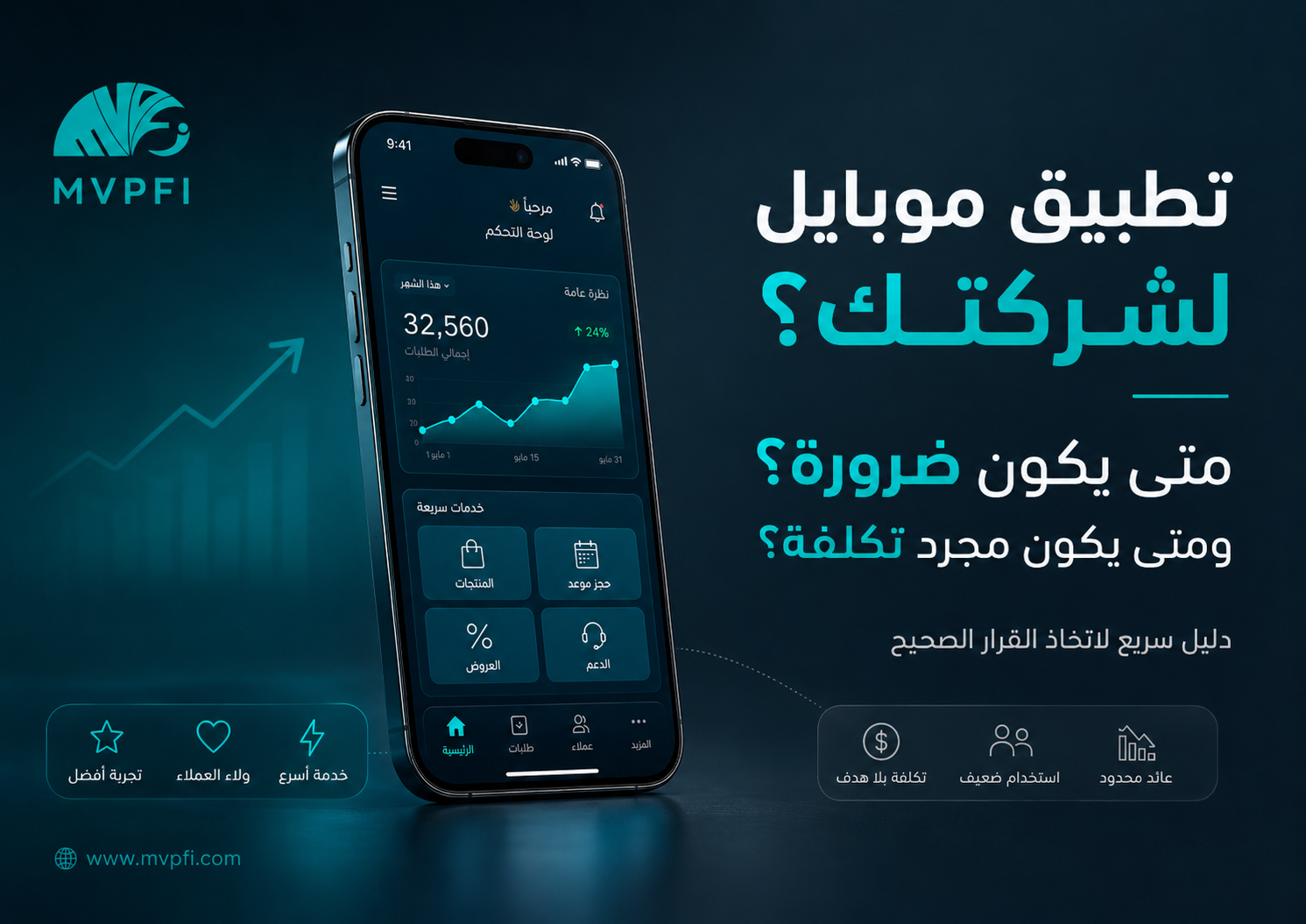
A Mobile App for Your Business — When Is It a Necessity and When Is It a Waste of Money?
A mobile app can be one of the strongest growth tools for your business, but it can also become an expensive project with little or no return. The difference is not simply having an app; it is having a real reason for users to open it, clear value for customers, and a long-term plan for operation, updates, support, and growth.
Many companies think about building a mobile app because competitors have one, or because it feels more professional. But a mobile app is not just an icon on the App Store or Google Play. It is a digital product that needs planning, design, development, testing, security, updates, marketing, analytics, and ongoing support.
Before asking, “How much does a mobile app cost?” you should first ask: does your business actually need an app? Will customers use it repeatedly? Does it provide value that a website cannot easily deliver? And do you have a plan to make the app part of the customer experience, not just another unused download?
First: A Mobile App Is Not a Design Decision — It Is a Usage Decision
A successful mobile app does not succeed because it exists in app stores. It succeeds because it solves a repeated problem, makes an important process easier, brings customers back regularly, or helps your team operate faster.
If the app only displays the same pages as your website, or if customers will use it once and forget it, then a responsive website, web app, or PWA may be a smarter and more cost-effective starting point.
The real question is not: do we have an app? The real question is: does the customer have a strong reason to open it again and again?
A Quick Decision Rule
When Does a Mobile App Become a Necessity?
A mobile app becomes necessary when it is a core part of the service or customer experience, not just an extra channel. The more frequent the usage, the stronger the need for speed, personalization, notifications, device features, or operational workflows, the more logical it becomes to invest in a mobile app.
1. When Users Need It Repeatedly
If customers interact with your business daily or weekly, a mobile app can make strong business sense. This applies to booking platforms, ordering systems, delivery services, loyalty programs, wallets, education platforms, healthcare services, subscription systems, and customer support tools.
Repeated Orders
Restaurants, stores, pharmacies, delivery services, or any business where customers order or buy repeatedly.
Bookings and Appointments
Clinics, training centers, salons, gyms, consultants, and service businesses that depend on scheduled appointments.
Service Status Tracking
When customers need to track an order, shipment, subscription, ticket, request, or service progress regularly.
Permanent Customer Accounts
When each customer has a profile, history, invoices, points, files, or personal data they need to access often.
2. When You Need Smart Push Notifications
Push notifications can be valuable when they serve a real need: booking confirmation, appointment reminder, order status, payment reminder, personalized offer, or an important service message. But if notifications are used only to push random promotions, they may become annoying and lead users to disable notifications or delete the app.
A good notification helps the user at the right time. A bad notification interrupts the user without adding value.
3. When You Need Phone-Specific Features
Some projects need features that are difficult to deliver with the same quality through a standard website. Examples include camera, QR scanning, GPS, biometrics, offline mode, Bluetooth, field-team tracking, and fast device-level interactions.
Camera and QR
Useful for invoices, inventory, tickets, memberships, attendance, product scanning, verification, and field operations.
Location Services
Important for delivery, maintenance teams, field visits, order tracking, and location-based services.
Offline Usage
Sometimes essential for field teams, warehouses, point-of-sale systems, and areas with weak internet connection.
4. When You Have Field Teams or Operations Outside the Office
If your business has sales representatives, technicians, drivers, supervisors, inspectors, or employees working outside the office, a mobile app can become an operational tool. It can help record visits, update task status, upload photos, capture customer signatures, track locations, and send reports instantly.
Task Management
Assign tasks, follow execution, and update task status in real time from the field.
Visit Proof
Record visit location, upload execution photos, capture customer signatures, and document service notes.
Faster Reporting
Instead of paper forms or scattered WhatsApp messages, data reaches the system in a structured and measurable way.
Fewer Mistakes
Capturing data from the source reduces delays, errors, and manual reporting problems.
5. When the App Supports Loyalty and Customer Retention
A mobile app becomes powerful when it helps retain customers, not only attract them. Loyalty points, personalized offers, purchase history, recommendations, subscription tracking, coupons, and easier support can all make customers return more often.
The goal is not only to make users download the app. The goal is to give them a clear reason to come back.
When Is a Mobile App a Waste of Money?
A mobile app can be the wrong decision if it is built before validating the need, before having a customer base, without a marketing plan, or without a budget for maintenance and updates. In that case, the app becomes a continuous cost instead of a growth tool.
1. When It Is Just a Copy of the Website
If the app only shows the same website pages — About Us, Services, Portfolio, Contact Us, and a few articles — then there is probably no strong need for a mobile app. A responsive website is faster to access, easier to share, and cheaper to maintain.
2. When There Is No Repeated Usage
If customers need the service only once, or very rarely, they are unlikely to download and keep using an app. This is common in some consulting services, B2B businesses with long buying cycles, and simple corporate websites.
3. When You Have No Post-Launch Plan
Launching the app is not the end of the project. You will need updates, bug fixing, user feedback review, performance improvements, support, security reviews, and possibly new features. Without a post-launch plan, the app can quickly become outdated.
No Marketing Plan
The app will not spread by itself. You need a plan to convince customers to download, use, and return to it.
No Update Budget
Operating systems, devices, and app store requirements change. The app needs ongoing attention.
No Clear Value
If customers do not understand why they should download the app, they will not use it, even if the design looks good.
No Usage Data
Without analytics and user behavior data, you may build features based on assumptions instead of facts.
4. When the Goal Is Prestige Only
Having an app may look professional, but that is not enough. If the goal is only to appear advanced, investing in a stronger website, better landing pages, CRM, automation, or customer journey may create more business impact than an app nobody uses.
Do You Need a Native App, PWA, Web App, or Responsive Website?
Not every project needs a native mobile app. Sometimes a responsive website is enough. Sometimes a Web App or PWA is a smart middle ground between a website and a native app. The decision depends on audience behavior, usage frequency, required features, budget, and operational complexity.
| Solution | Best When | Main Strength |
|---|---|---|
| Responsive Website | The goal is awareness, search traffic, content, services, or landing pages | Faster to launch, easier to share, and lower cost |
| Web App | You need a customer portal or browser-based system | Works across devices without app-store download |
| PWA | You need an app-like experience with installation and some offline features | A practical middle ground between web and native app |
| Native App | You need high performance, device features, push notifications, or very frequent usage | Best for rich experiences and deeper phone integration |
The Real Cost of a Mobile App
The cost of a mobile app is not only design and development. There are other costs that must be considered before making the decision, because an app is an ongoing product, not a one-time project that ends on launch day.
Build Cost
Discovery, UX/UI, Android and iOS development or cross-platform development, backend, APIs, and admin dashboard.
Operating Cost
Servers, databases, push notifications, SMS, maps, payment gateways, storage, monitoring, and support.
Growth Cost
Marketing, app store optimization, analytics, improvements, customer support, and continuous updates.
How to Measure Mobile App Success
Do not measure app success only by the number of downloads. A download may happen once, but real value appears in usage, return rate, conversions, customer satisfaction, operational efficiency, and business impact.
Active Users
How many users actually open the app daily or monthly? Downloads alone are not enough.
Retention Rate
Do users come back after the first session? Do they find enough value to keep using the app?
Conversions
Does the app increase orders, bookings, subscriptions, messages, payments, or support efficiency?
Performance and Stability
Is the app fast? Does it crash? Does it work well across devices? Are users rating it positively?
Risks to Consider Before Building the App
A mobile app often handles sensitive data such as phone numbers, accounts, locations, orders, payments, or customer records. Security and privacy should be considered from the beginning, not after launch.
Excessive Permissions
Do not ask users for permissions you do not truly need. Every unnecessary permission can reduce trust.
Account Security
Login, passwords, sessions, and account recovery should be designed securely from the start.
API Protection
Most mobile apps depend on APIs. If the API is not secure, the whole app can become vulnerable.
Data Protection
Define what is stored on the device, what is stored on the server, and how sensitive data is protected.
Decision Test: Should You Build a Mobile App Now?
Before making the final decision, answer these questions honestly. If most answers are “yes,” then a mobile app may be a logical investment. If the answers are unclear, start with a lighter solution such as a responsive website, Web App, or PWA.
| Question | If Yes | If No |
|---|---|---|
| Will customers use the service repeatedly? | An app may be suitable | Start with a website or Web App |
| Do you need valuable notifications? | An app or PWA may help | Use email, WhatsApp, or CRM |
| Do you need phone features like GPS or camera? | A native app becomes stronger | You may not need a native app |
| Do you have a post-launch marketing and operation plan? | The chance of success is higher | Delay the app until the plan is ready |
| Do you have a maintenance and update budget? | The app can remain sustainable | The app may become a burden |
| Will the app provide value that the website cannot? | Building the app makes sense | The website may be enough |
The Smarter Approach: Start With an MVP
Do not start with a huge app that contains every idea. Start with an MVP: the smallest useful version that can be launched and tested with real users. The goal is not to reduce quality; it is to reduce risk. Build what proves value first, then improve based on data.
Define the Core Function
What is the most important action the user must complete inside the app? Order, book, track, pay, contact, or manage?
Test With Real Users
Do not rely only on internal opinions. Test with real customers and observe whether they actually use the app.
Improve Based on Data
Add new features based on usage, conversions, feedback, and real behavior, not assumptions.
Conclusion
A mobile app becomes necessary when it creates real and repeated value for customers or teams: frequent usage, faster experience, important notifications, device features, loyalty, or field operations.
But it becomes a waste of money when it is only a copy of the website, built for prestige, launched without a marketing and operation plan, developed without a maintenance budget, or missing a clear reason for users to open it again.
The best decision is not always “build an app.” The best decision is choosing the channel that achieves the goal with the lowest complexity and highest return: responsive website, Web App, PWA, or native app — depending on your real business need.
Start With the Right Decision Before Investing in App Development
MVPFI helps you analyze your business needs, choose the right solution between a responsive website, Web App, PWA, or native mobile app, design the user experience, develop the system, connect it with backend and CRM, and prepare a scalable operation plan.
Frequently Asked Questions
Does every business need a mobile app?
No. Not every business needs a mobile app. If the goal is awareness, content, or occasional usage, a responsive website or Web App may be better and more cost-effective.
When is a mobile app necessary?
A mobile app becomes necessary when customers use the service frequently, when notifications are important, when phone features like camera or GPS are needed, or when the app supports daily business operations.
When is a mobile app a waste of money?
It becomes a waste when it is only a copy of the website, has no clear value, no marketing plan, no operation plan, or no budget for maintenance and updates.
Can a PWA replace a mobile app?
Yes, in some cases. A PWA can provide an app-like experience with lower cost, installation options, and some offline or notification features depending on the platform and browser.
What is the most important success metric for a mobile app?
Downloads are not enough. The most important metrics include active users, retention rate, conversions, customer satisfaction, performance, ratings, and real business return.
Should I build Android and iOS apps from the beginning?
It depends on your audience and budget. Sometimes it is better to start with one platform, a cross-platform app, or a PWA, then expand after proving usage and return.
What are common mistakes when building a mobile app?
Common mistakes include building too many features at the beginning, not testing the idea, having no marketing plan, ignoring security, underestimating maintenance cost, and not measuring real usage after launch.
How can MVPFI help with the mobile app decision?
MVPFI helps analyze the app idea, decide whether it is necessary, choose the right technical solution, design the user experience, develop the app or alternative solution, and connect it with systems, analytics, and support.
Add New Comment